
A website for your nursery that brings in new families
The nursery website in Kindaria Nursery is your own public website, built from the dashboard with no designer or developer: you pick ready sections such as programs, gallery, team, FAQ and a WhatsApp button, write them in Arabic and English, and publish on your kindaria.com address. Visitors contact you directly, and you follow every interested family on the waiting list through to enrolment.

Where your child grows with love.
Book a visitOur programs
A day at Jasmine



Questions
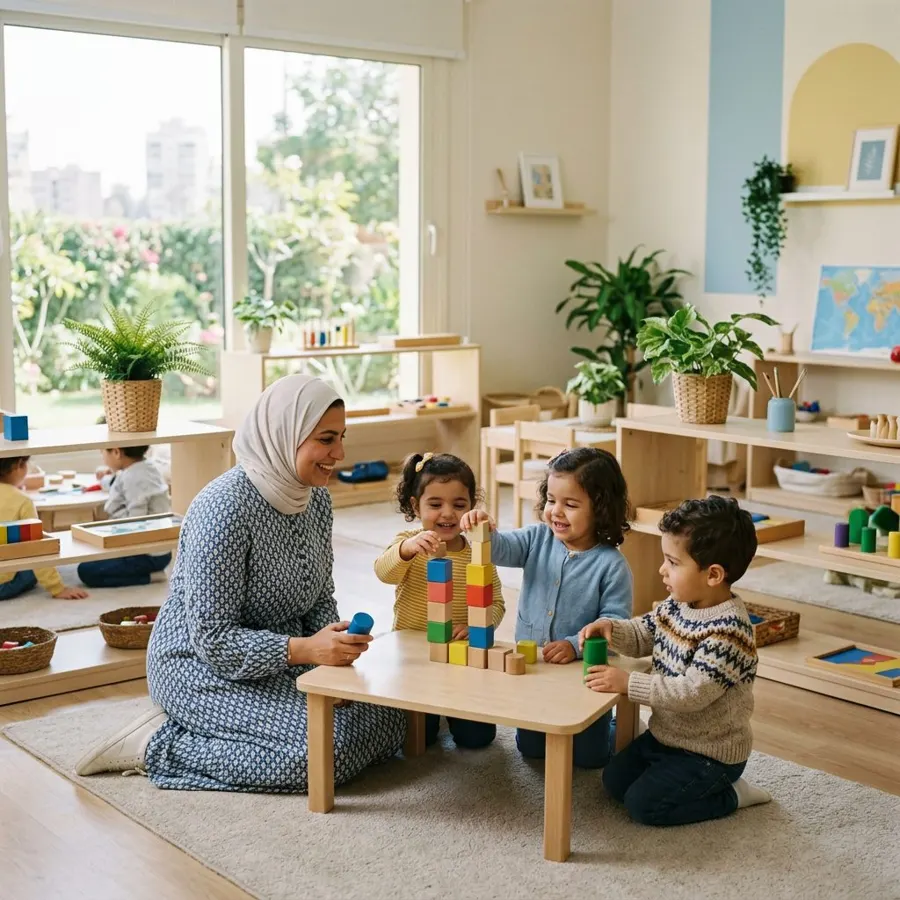
An example nursery website built with Kindaria
New enquiries every week
Parents searching for a nursery nearby find an organised site with your programs and photos, and a button that reaches you instantly.
A professional look with no design bill
Ready sections with several designs, your logo and your colours, without hiring a designer or an agency.
Every family followed to enrolment
Each enquiry goes on the waiting list with the source set to Website, so you see how many families your site brings and how many enrol.
What is the nursery website in Kindaria?
It is a public website for your nursery, managed from the same dashboard you use for children and attendance. There is no separate hosting and no developer: you build the page from ready sections, change text and photos whenever you like, and every change saves automatically.
Its job is simple: help families who are looking for a nursery find you, understand what you offer in a minute, and contact you in one tap. Everything after that happens on your waiting list.

Which sections can the website include?
The website is made of 16 section types that you arrange as you like. Each section has more than one design to choose from, and you can hide a section without deleting its content.
- A welcome section with a photo, a headline and a button to book a visit.
- About us, services and programs for each age group.
- A photo gallery and video so parents see a real day at your nursery.
- Team, parent testimonials and stats, written by your nursery.
- Pricing, events, FAQ and partners.
- Contact details, a call to action and a floating WhatsApp button on every page.
Does the website work in Arabic and English?
Yes. Every text field has an Arabic and an English version, and visitors see the site in their language with the correct text direction. You also write each page's title and description for search engines in both languages, so families find you whichever language they search in.
From the Appearance settings you upload your logo and site icon, pick colours and a font, and set up the menu, footer and social links. You preview the site on desktop, tablet and phone before publishing.
How is the website published, and when do families see it?
- Open the readiness checklist to confirm your logo, page title and description, a welcome section and a phone number are in place.
- Switch on Published, and your site goes live on your kindaria.com address, such as your-nursery.kindaria.com.
- Add more pages when you need them, such as an admissions or careers page, and publish each one separately.
If your nursery has its own domain, the Kindaria team sets it up with you and connects it to your site.
How does a visitor become an enrolled family?
Visitors reach you through the WhatsApp button or the phone number on your site. You then add the family to the waiting list with the source set to Website and move them through your stages: enquiry, visit, application, enrolled. On enrolment, Kindaria creates the child's record and the parent's app account.
| Step | Where it happens | What you see |
|---|---|---|
| A family finds your nursery | Your website | A visit to your site |
| The family contacts you | WhatsApp button or phone | A new message or call |
| You log the enquiry | Waiting list | A card with the source Website |
| You follow up to a visit and enrolment | Waiting list stages | Conversion rate in the analytics |
Which plans include the nursery website?
The nursery website is included in the Growth and Large nurseries and branches plans, together with the waiting list and Kindo. Compare plans on the pricing page, or book a demo and we will show you a published site.
Frequently asked questions
Do I need a developer or designer to build my nursery website?
No. You build your Kindaria website from ready sections that you pick and arrange, write the text in Arabic and English, preview it on desktop and phone, and publish with one switch. You can change any text or photo later in minutes without asking anyone.
What address will my nursery website have?
Your website is published on your own kindaria.com address, such as your-nursery.kindaria.com. If your nursery has its own domain, the Kindaria team sets it up with you and connects it to your site instead of the subdomain.
How do interested families reach me from the website?
Through the floating WhatsApp button, your phone number and the contact section on your site. When a family gets in touch, add them to the waiting list with the source set to Website, follow them through your stages to enrolment, and see in the analytics how many families came from your site and how many enrolled.
Can I add more than one page?
Yes. You can create extra pages such as an admissions page, a careers page or a page for a special event, and publish or hide each one separately, while every page keeps the same logo, colours and menu.
Will my website appear in search engines?
You can write each page's title and description for search engines in Arabic and English from the search settings, and add tracking IDs if you use them. How the site ranks after that depends on its content and on the search engines themselves.
Related features
Admissions & nursery website
Track every enquiry from first call to enrolment in a staged waiting list, and build a bilingual website for your nursery that you publish in one click.
02Parent app
Kindaria's parent app shows families their child's day: attendance, daily reports, photos, invoices, messages and alerts. Build trust and keep families longer.
03Kindo
Ask about your nursery's data in Arabic or English — who is in today, overdue invoices, the waiting list — and Kindo answers with numbers and charts. It never changes data.
Your calmest school year starts here.
Tell us about your nursery. We'll show you Kindaria Nursery, move your data and give you a free month.